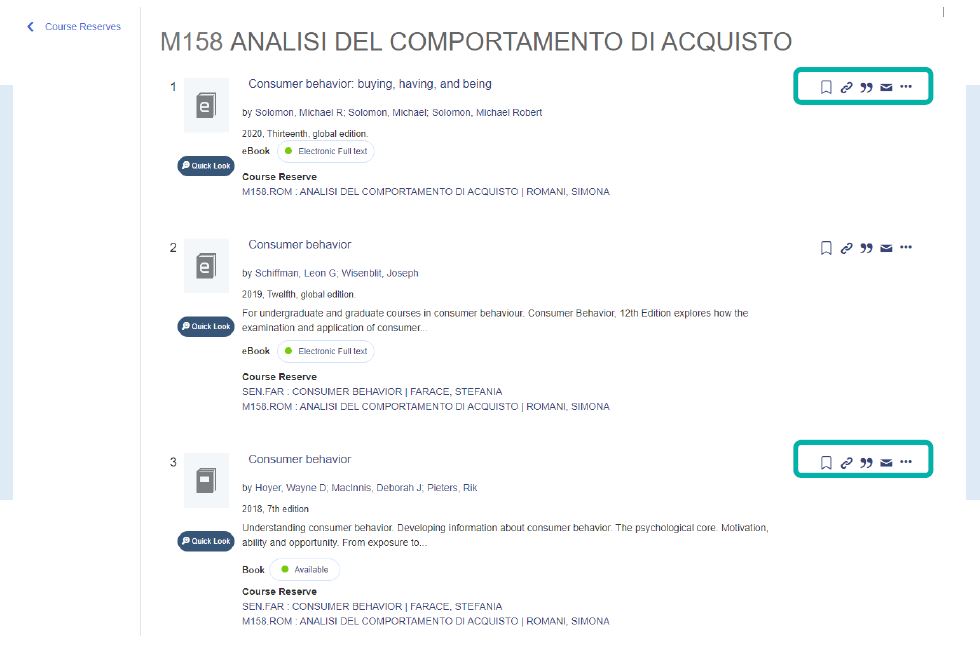
The Course Reserves searching tool is the Library system fthat lets you find textbooks the Library has purchased for the current academic year. The search engine is constantly updated. Here are the simple steps to find what you're looking for.
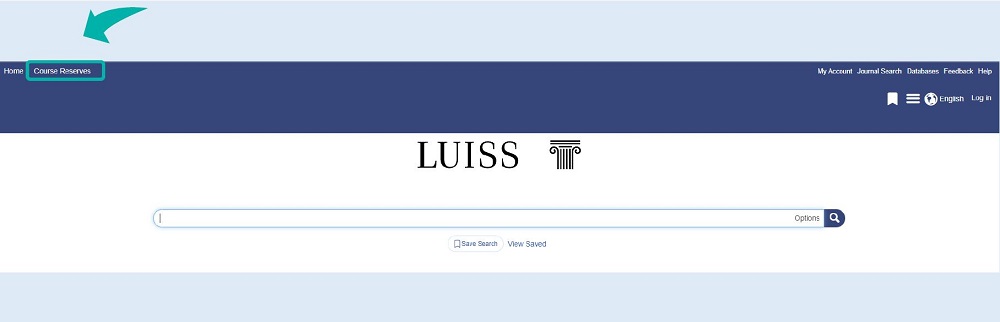
1. Click on the Course Reserves search engine in the top left corner of Luiss Library Discovery
Immagine
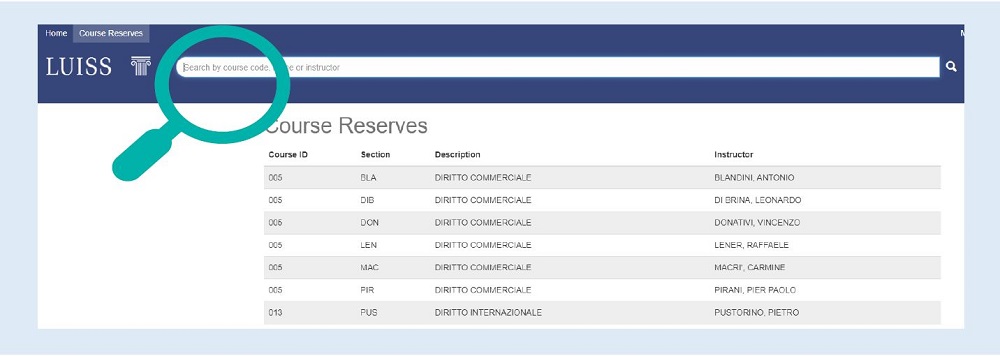
2. You can search the bibliographic lists by course code, course title, or faculty member.
Immagine
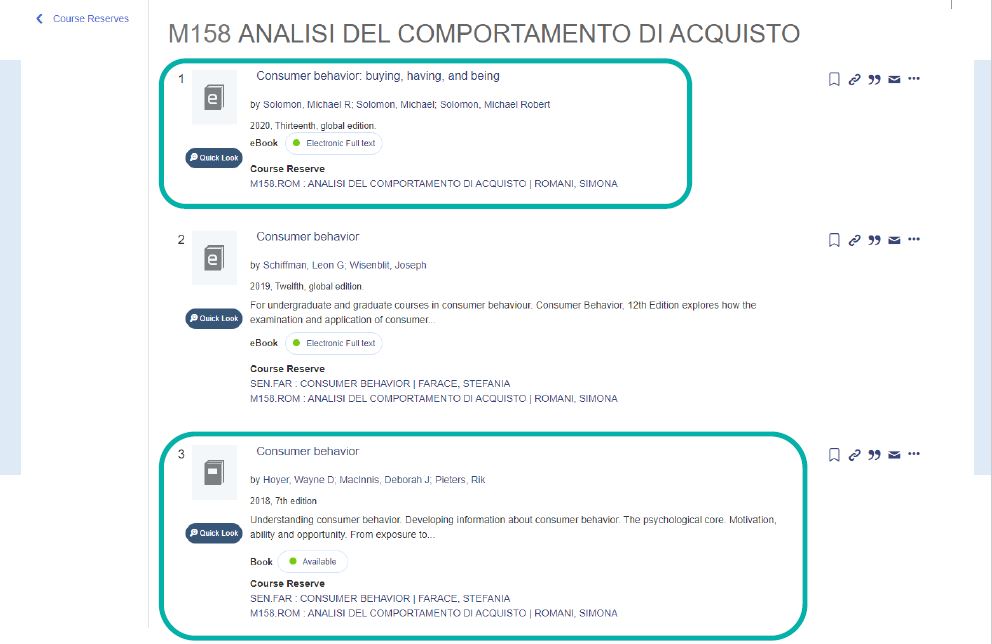
You can check the availability of print books in the Library by clicking on the title of the corresponding result, or you can directly access the electronic document if a link to the full text is available.
Immagine
Additionally, each result can be:
- saved to a personal folder;
- shared via its permalink;
- exported as a bibliographic citation in a specific format;
- sent via email.
Immagine