With OpenAthens, you can access most of the Library's electronic resources both on and off the University network (for example, from home).
Some databases, however, require a different access method via IDEM-GARR federated login, as indicated on each resource's page.
If you previously enabled proxy configuration, you must disable it in your browser settings.
Who it's for
The OpenAthens service is available to:
- the student community
- PhD students
- faculty
- Library members
- administrative staff
How to log in
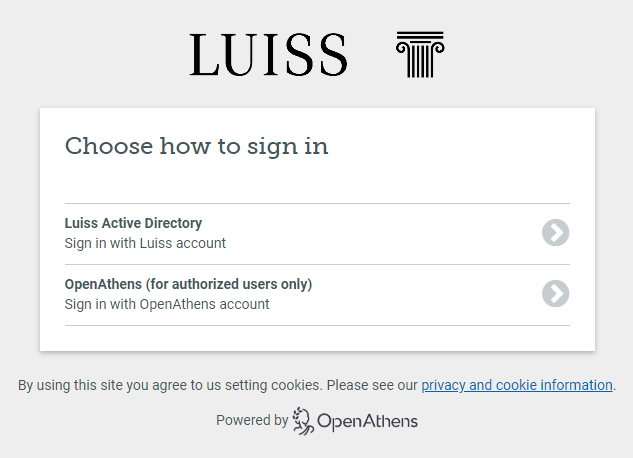
To log in via OpenAthens, click on the URL provided by Luiss Library Discovery or from the A–Z list of electronic resources, then enter your institutional account by selecting the first option, “Luiss Active Directory.”
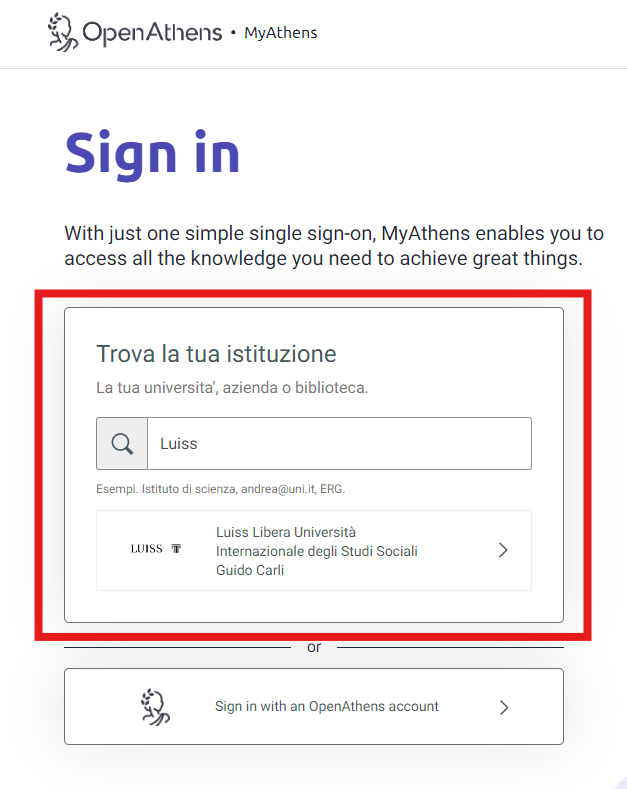
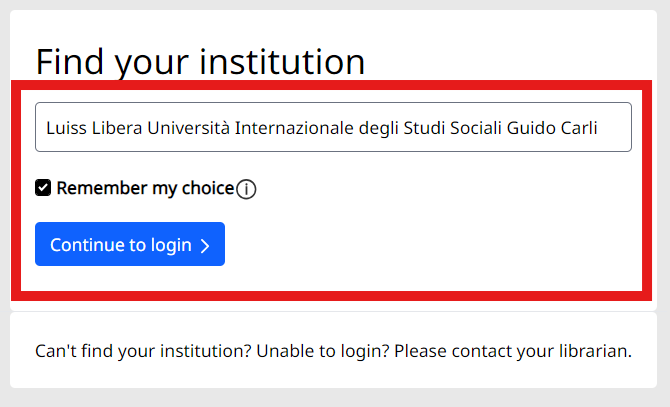
Alternatively, you can log in to My OpenAthens and search for Luiss.
Publishing platforms
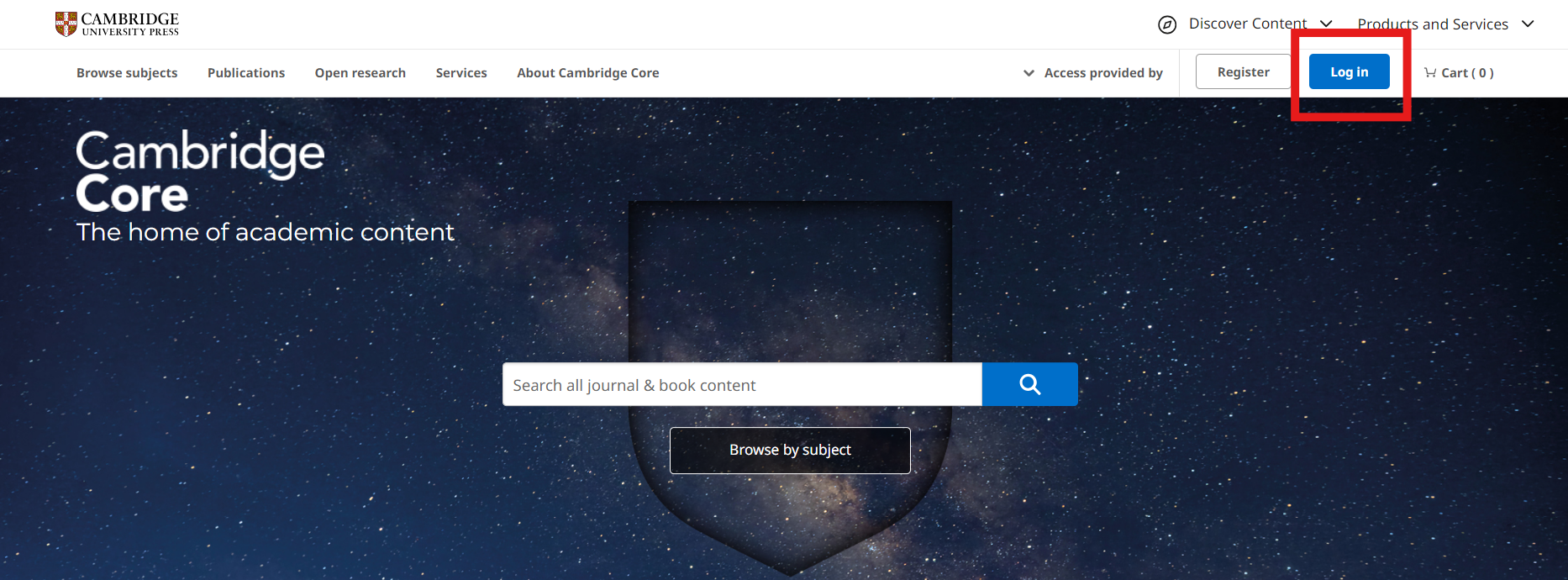
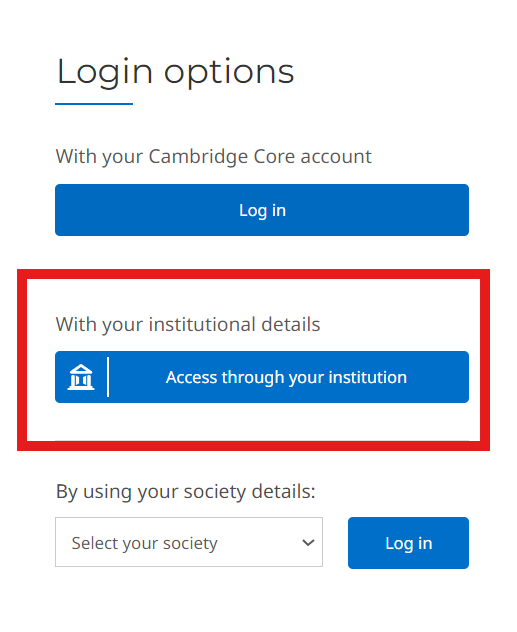
Most publishing platforms also allow access to subscribed content through direct authentication.
If you start your search directly from Google or other search engines, once you land on the publisher's portal, remember to look for Luiss among the affiliated institutions.
Access via IDEM-GARR
Who is it for?
The service is reserved for students enrolled in regular courses and postgraduate specialization courses, international exchange students, faculty, and administrative staff at Luiss Guido Carli.
How to access
To authenticate via the IDEM federation, consult the guide available in the database record or in the A-Z list of electronic resources.