Moody's Analytics databases are accessible via OpenAthens. This guide shows you the simple steps for logging in to Aida, BankFocus, Orbis, Orbis intellectual property, and Orbis M&A.
How to log in
Step 1: Open the database you want by clicking on the corresponding link
AIDA: Italian Company Data
Moody's BankFocus
Orbis: company information across the globe
Orbis Intellectual Property
Orbis M&A
Remember, you can also access the platforms from the A-Z list of electronic resources.
Step 2: Enter your institutional credentials by selecting the first option, "Luiss Active Directory"
Immagine
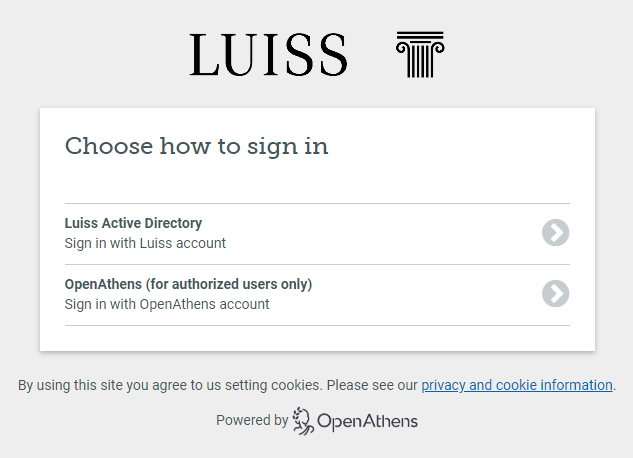
*** Important! Remember to log out at the end of each session. ***
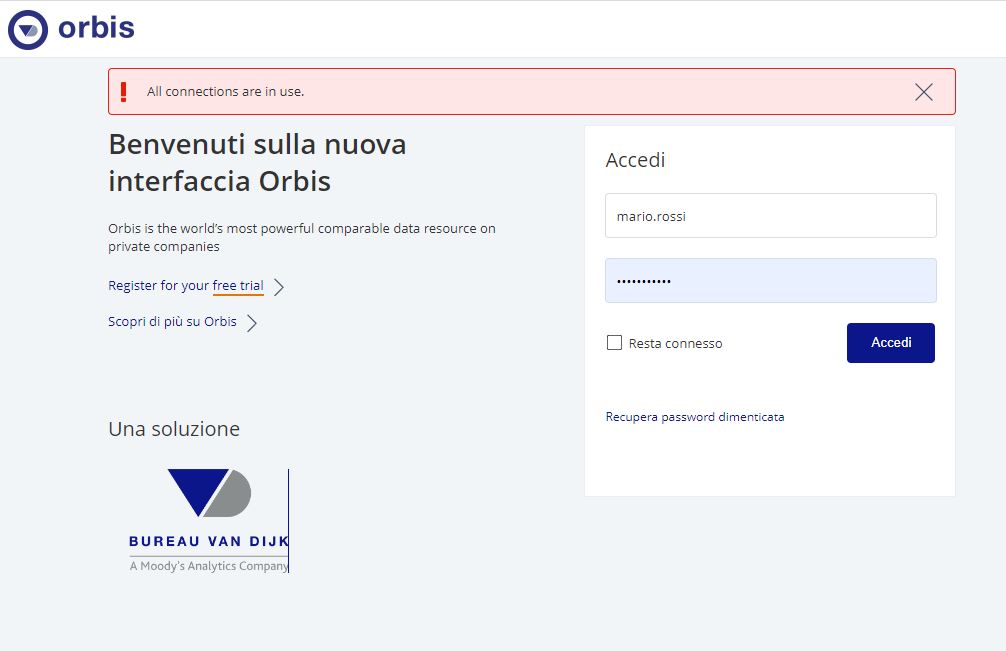
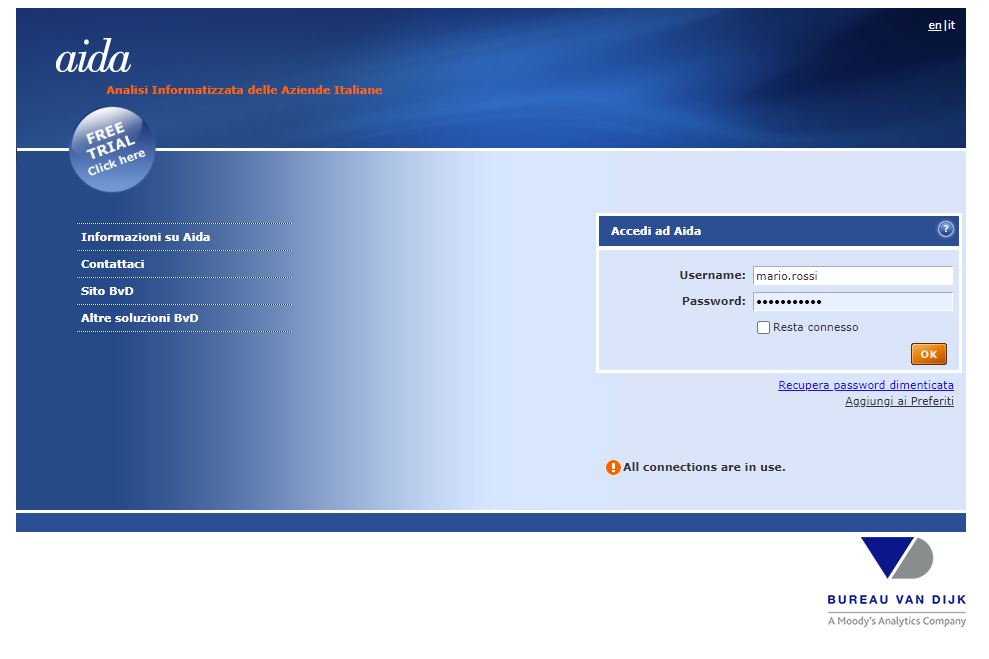
Error message
Please note: If you see the message "! All connections are in use,” you must wait and try logging in again later.
If you need further assistance, please send an email to biblioteca@luiss.it.
Immagine
Immagine
Start using Orbis (including M&A, Intellectual Property, and BankFocus)
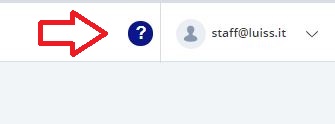
Once you are logged in Orbis or the other Moody's Analytics databases, click on the symbol "?" on the top right menu bar to find out more contents and the Help menu
Immagine


AIDA Help guide
Once you are logged in AIDA, click on the symbol "?" on the top right menu bar to find out more contents and the Help contents especially for definitions and information about data sheets
Immagine
On-demand webinars
Moody's Analytics partners with numerous experts to host webinars on a variety of topics. Visit the Knowledge Base section to find on-demand webinars.